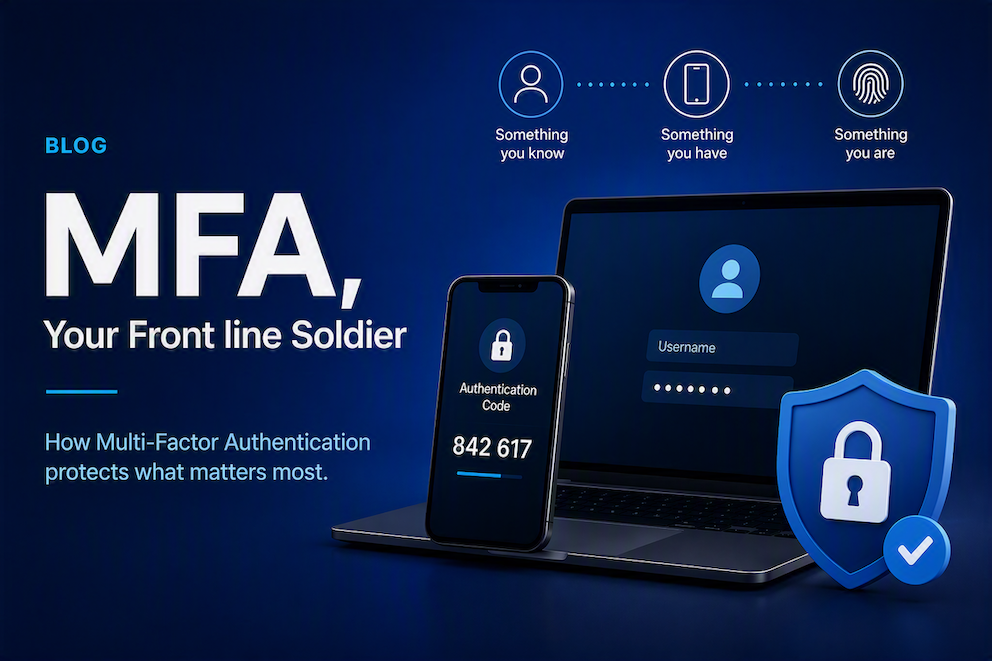
You might have heard of 2FA/MFA, or possibly just noticed all your favourite websites sending you a text message or asking you to scan a QR code and then trying to quickly type 6 numbers before they change. But that leaves the big questions of ‘Why is this needed?’ and ‘Are all types of MFA the same?’
Why is MFA needed?
No doubt as long as you’ve been using computers you’ll have heard so many rules about your logins ‘Make up a special word to remember’ then ‘add a symbol’ followed by ‘change this every month so its not guessed’ and so many other things we’ve had to do to keep ourselves protected (Future blog on passwords so stay tuned!). So then if we’re following all these rules, why have we now started with a code to fill in on top?
The simple answer is, when your identity is at stake, more protection is always better. MFA protects you in the situations where your password is compromised. This can happen in many ways;
- Hackers will run an automated tool to try and guess a password for an account
- Breached websites result in passwords being released to the Dark Web
- Phishing emails still cause passwords to be innocently handed over to people
Unfortunately no matter how secure your password is, there is always a chance of it being breached by these methods or others like it. Thats where MFA comes in. Using the ‘Something you know, Something you have, Something you are’ method means that hackers can’t simply know a password to gain access. Aren’t we all glad of that if the password to our bank, or business data was compromised!
Is all MFA the same?
That leads us onto the next question and the simple answer is ‘No’. Beyond just the practical differences between methods of MFA they come with different levels of security. You may now have gotten used to being text, emailed or even called with a code to fill in the issue is whilst all these things are more secure than nothing… They can also be intercepted meaning there is a chance someone gets a copy of that code and then get into your account.
The next option is the cycling 6 digit codes and prompts to your phone, again these will be familiar for many people. Now these are again more secure than a text or email and become much more difficult to compromise, but not impossible. Someone could get a hold of the ‘token’ used to make the codes, or call claiming to be someone they are not to try and get you to hand over the code by mistake! So this method is good. But can we do better?
Absolutely, Introducing Phishing Resistant MFA. This is where we all want to be aiming along with good password management (Again we’ll dig into this in the near future) Phishing Resistant MFA gives you the best protection. How so? It works on the basis we are all human and thus all make mistakes. Building in safeguards to stop things like token theft, or even just taking information from you. How does it manage this?
There’s 2 main types of this MFA
First, ‘FIDO2 Security Keys’ these really are good for kicking back remote threats. Effectively they are USB dongles, plug them in set up a passkey and then when you need to approve a sign in going forward? that same key needs to be plugged in or connected to a mobile and activated, then unlocked with a PIN. Good look to a scammer across the world managing to do that!
Secondly we use virtual ‘passkeys’ these get saved to an app like Microsoft Authenticator, and when you need to sign in you also have to scan a fingerprint, Face ID or other similar identification to make sure its really you taking the action (as a cool side feature we can add a location to the prompt so you can tell if its really you)
With these methods in place Lincoln IT can really help your business protect what matters… you! Reach out and have a chat with us about how we can implement a strong MFA policy for your business, alongside the other capabilities of Microsoft 365 like Geolocation & compliance. We’re more than happy to have a chat see what we can do or advise free of charge, book a quick call in below!